Fix & Maintain
Robot Vacuum Troubleshooting, by Symptom
Start with what the robot is doing, not with its name. Three checks that cover most no-charge and no-start problems, then the brand guides for Roomba, Roborock and Shark.
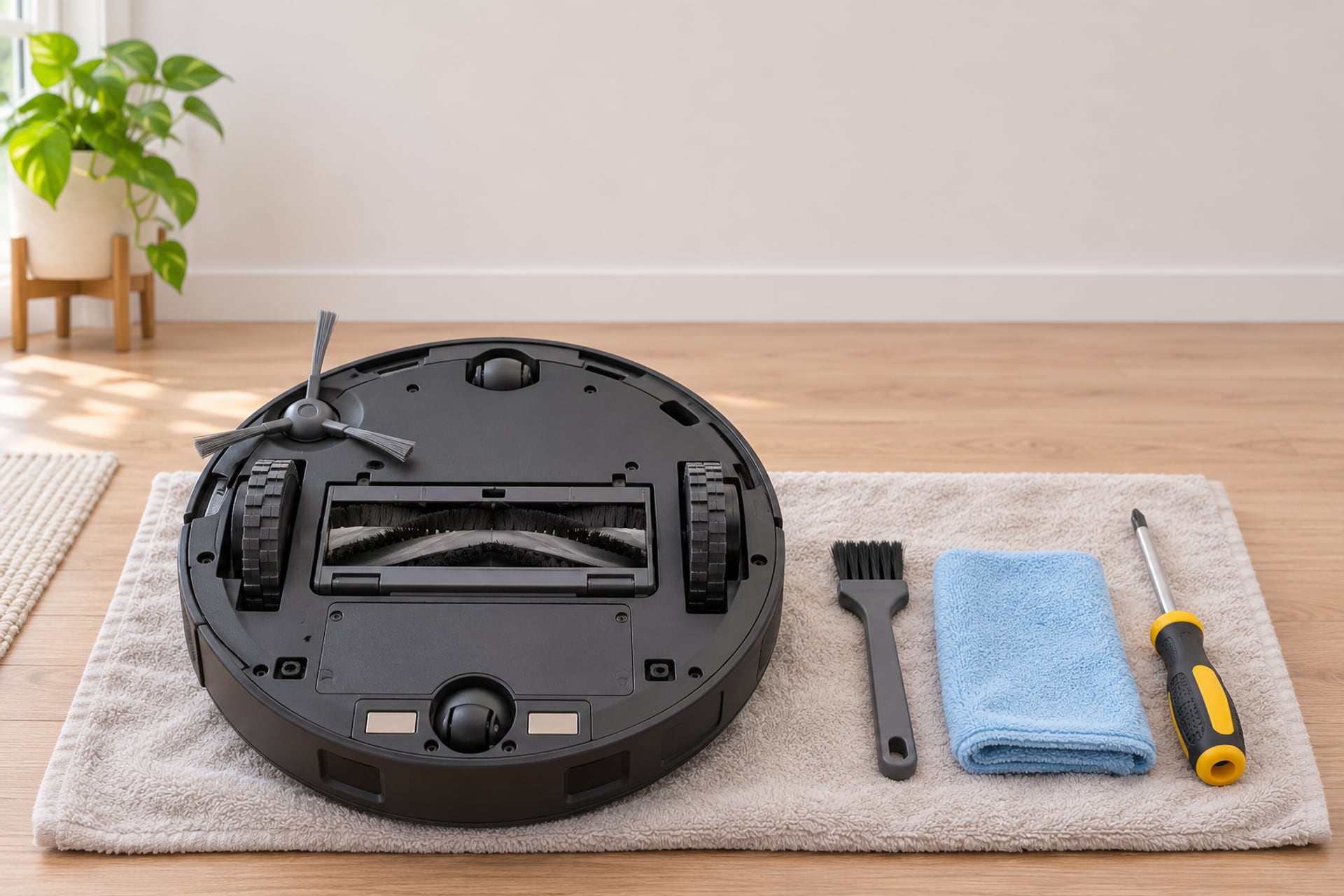
Most people land on a troubleshooting page with a symptom, not a diagnosis. The robot sits on its dock and never charges. A red light blinks. It beeps and stops in the middle of the room. The battery gives out halfway through the house. This page sorts those symptoms and sends you to the guide that covers each one in detail.
Everything here is taken from the makers' own support pages, and each step names where it comes from. Where a maker publishes nothing for a problem, we say so rather than fill the gap with a guess.
-
 Roomba won't chargeDock, contacts, battery and error numbers.
-
 Shark won't chargeSwitch, dock light, contacts, battery.
-
 Roomba red lightWhat the color means and what to try.
-
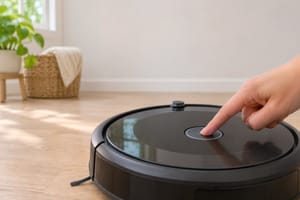 Reset a RoombaReboot versus factory reset.
-
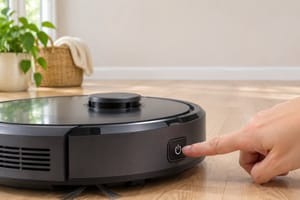 Reset a SharkWhat a reset clears and what it keeps.
-
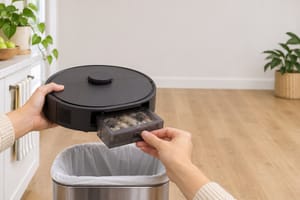 Roomba won't emptyBin, bag and dock steps.
-
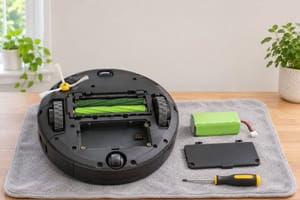 Roomba battery dyingWhich battery fits which series.
-
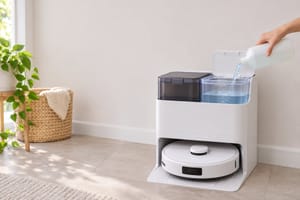 Roborock cleaning solutionWhat the maker says goes in the tank.
-
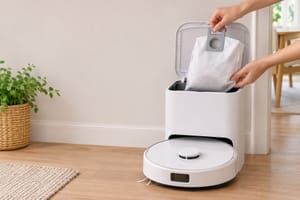 Roborock dust bagsBags for the emptying dock.
Start Here: Three Checks That Fix Most Problems
Whatever the brand, a robot that will not charge or will not start gets the same first three checks, in this order. They cost nothing and they rule out the dock and the contacts before you blame the battery. The details of each differ by model, so the exact wording below is attributed to the maker.
Check 1: Does the dock have power?
iRobot's support article for robots that do not turn on or charge starts here. If the dock has no light, iRobot says to reseat the line cord at both the wall and the dock, then test the outlet with another device. It adds that some docks have no light at all, including the Roomba 200/2000 series and the Essentials 1, so on those you confirm the cord is fully seated instead.
Roborock's Error 13 article gives the same check in its own terms. It says the indicator light on top of the dock should be solid on without the robot and off once the robot is placed on it, and to push the cable head firmly into the slot at the bottom of the dock. The Shark Matrix quick start manual says the dock's indicator should glow green when it has power.
Check 2: Are the charging contacts clean?
Unplug the dock first. iRobot says to clean the contacts on the robot and on the dock with a lightly dampened melamine foam pad or a lightly dampened cloth, and calls these the only two acceptable materials. Roborock says to remove stains or rust from the contacts on the dock and underneath the robot with a cloth moistened with an alcohol solution or an eraser. Digital Trends, in its guide for Shark, describes wiping the two metal contact points on the robot and the two metal plates on the dock.
One warning from iRobot is worth repeating. Contacts that look green or copper-colored are damaged, and the robot or the dock may need to be replaced. Cleaning will not bring them back.
Check 3: Seat it by hand, then restart
Lift the robot off the dock and set it back so the contacts meet. Shark's manual says a blue indicator and a beep confirm correct placement. If a robot shows no lights at all, iRobot says to remove and reinstall the battery, which forces a reboot and clears existing errors, and you do not need to wait between the two steps. Roborock's Error 13 article adds one more: unplug the dock, leave it for about 2 minutes, plug it back in and try again.
If none of this changes anything, the brand guides below go further. If the robot charges but dies early, jump to the parts section.
Roomba Fixes
Charging and power
- Roomba not charging: the dock, contact and battery path, plus the charging error numbers.
- Roomba red light: what the color is telling you before you reach for a reset.
- Roomba battery replacement: which pack belongs in which series.
Reset and emptying
- How to reset a Roomba: the reboot, and when a factory reset is worth it.
- How to empty a Roomba: what to check when it will not empty.
When it stops on the floor
One common stop is the message "Uneven ground. Place on a flat surface then press CLEAN," which iRobot lists as Error 13 on the s Series. iRobot says it usually means a side wheel is stuck. Its steps: lift the robot, set it in the center of the room and restart the cycle, then, if it happened on a flat floor, push each wheel up and down, shake out debris from the wheel wells and turn both wheels by hand to check they spin freely.
Roborock Fixes
Roborock's help center is organized by error number, and the answers are short. The ones that come up most are below.
Charging and finding the dock
For a robot that will not charge, Roborock's Error 13 article covers the three checks above: clean the contacts, confirm the dock has power, and unplug the dock for about 2 minutes. When the robot cannot find its dock, Roborock says it may have been started somewhere else, hit an obstacle or been moved by hand. Its fix is to move the dock to a new spot, placed against a wall with at least 0.5 m of clearance on each side and 1.5 m in front, and then clean the dock's front signal area and the robot's front sensor.
Wheels, errors and resets
For Error 7, Roborock says to press and spin the wheels by hand to see whether they are stuck, and to free them if so. For an internal error, it says to restore the robot to factory setting. Roborock's factory reset steps differ by model, and the articles we read say a reset disconnects the robot from Wi-Fi, deletes saved settings such as schedules and clears the cleaning logs, so use it last.
Dock lights, solution and bags
On the Empty Wash Fill Dock and RockDock Ultra, a steady red status light sends you through a short list: the dustbin or dust bag, the local voltage, and the clean and dirty water tanks and the water filter. Roborock's support page for this lists those checks and then points to Customer Support. For the water tank and the bag, see what Roborock says about cleaning solution and our guide to Roborock dust bags.
Shark Fixes
Shark's own support site refused our requests, so for Shark we lean on its quick start manual for the Matrix and on a Digital Trends guide. That is a thinner base than the iRobot and Roborock sections, and we flag it where it matters.
Not charging
The Digital Trends guide tells you to check the manual power switch on the robot first, since it can be knocked off when the robot bumps furniture. If none of the battery lights at the top are lit, it says the battery may be too low for the robot to find the dock, so carry it there and set it down. After that come the contacts, the dock's green light and its clearance, and finally the battery case, where the battery should sit firmly against its contacts. The full path is in our Shark not charging guide.
Temperature, first charge and reset
The Shark Matrix manual says to charge and use the robot only between 50 and 104 degrees Fahrenheit, to let the battery reach room temperature first, and that a first full charge can take up to 6 hours. The manual we read has no reset or reboot procedure. It says only that the robot turns on and off by holding the DOCK button for 5 to 7 seconds. Reset steps for other models are collected in how to reset a Shark robot vacuum.
Parts That Wear Out
If the robot charges but runs short, or cleans worse than it used to, the cause is usually a consumable, not a fault. Brushes, filters and bags are listed in Roomba replacement parts and Roborock replacement parts. The pack itself is in Roomba battery replacement, and the emptying dock bag is in Roborock dust bags. A regular clean of wheels, sensors and brushes heads off many of the problems above.
Repair or Replace?
A fix that costs a cloth and ten minutes is always worth doing. A part you can swap yourself, such as a brush, a filter or a battery pack, is usually worth it too, as long as the robot is otherwise working for you. The case changes when the fault is in the robot or the dock itself: iRobot says damaged contacts may mean replacing the robot or the dock, and Roborock sends a persistent internal error to Customer Support.
Before you decide, check what the next model would give you. Our Roomba models explained and Roborock models explained pages show how each range is laid out, so you can see whether a newer robot fixes the thing that bothers you. For the wider question of whether the category suits your home at all, read are robot vacuums worth it.
More from our guides: Roomba not connecting to Wi-Fi · Roborock not connecting to Wi-Fi · Roborock not charging · how to reset a Roborock · Roomba brush not spinning · Roomba spinning in circles ·how to clean Roborock sensors · robot vacuum replacement parts · robot vacuum parts finder
Sources
- iRobot Customer Care, Why does my Roomba or Braava not turn on or charge, support.irobot.de, read on November 19, 2026 Source for the dock power check, docks without lights, the melamine foam and damp cloth cleaning of the contacts, the green or copper contact warning, and the battery reseat that forces a reboot.
- iRobot Customer Care, Roomba s Series says: Uneven ground. Place on a flat surface then press CLEAN, Error 13, support.irobot.de, read on November 19, 2026 Source for the Error 13 meaning and the wheel and wheel well steps.
- Roborock Support, What should I do when error 13 occurs, support.roborock.com, read on November 19, 2026 Source for the contact cleaning, dock indicator light, cable seating and 2 minute unplug steps.
- Roborock Support, What should I do when error 7 occurs, support.roborock.com, read on November 19, 2026 Source for the stuck wheel check.
- Roborock Support, What should I do when the robot cleaner cannot find its dock, support.roborock.com, read on November 19, 2026 Source for the dock placement clearances and the sensor cleaning.
- Roborock Support, What should I do when internal error occurs, and How to reset Roborock to factory default, support.roborock.com, read on November 19, 2026 Source for the factory reset advice and what a reset removes. The reset steps themselves are model specific and are at https://support.roborock.com/hc/en-us/articles/360035372632.
- Roborock Support, What should I do if the LED status indicator light on the docking station is steady red, support.roborock.com, read on November 19, 2026 Source for the steady red dock light checks on the Empty Wash Fill Dock and RockDock Ultra.
- Shark Matrix Quick Start Manual (SharkNinja), via ManualsLib, read on November 19, 2026 Source for the dock light colors, the blue placement indicator, the temperature range, the first charge time and the DOCK button power instruction.
- How to fix a Shark robot vacuum that's not charging, Digital Trends, read on November 19, 2026 Source for the Shark power switch, hand placement, contact cleaning and battery case steps. A third-party guide, not a Shark support page.
The RobotVacuumer letter
New robot vacuum picks and plain advice on choosing and living with one, about once a month.