Fix & Maintain
Robot Vacuum Replacement Parts
Find the part by brand or by what wears out, then jump to the guide that matches your model. Batteries, dock bags, filters, brushes and cleaning solution in one map.
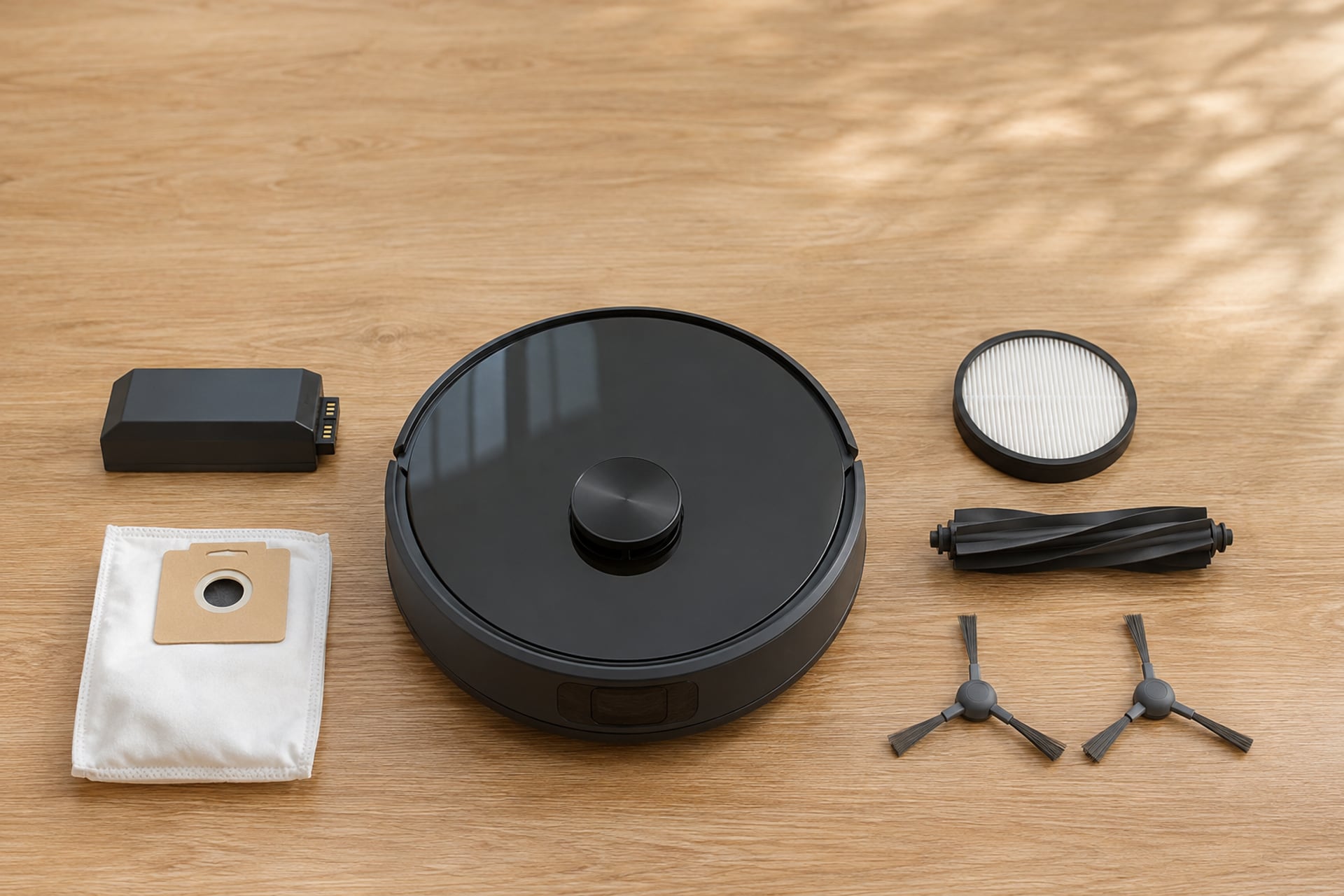
A robot vacuum does not usually die all at once. A brush wears down, a filter clogs, a bag fills, a battery holds less each year, and the robot slowly cleans worse until you notice. Most of those problems are a part, not a new robot. The hard bit is finding the right part for your exact model without buying three wrong ones first.
This page is the map. It sends you to the guide for each part and each brand we cover, so you can go straight to the one that fits. If you do not know your model yet, start with the parts finder, or read the model number section in the FAQ below.
Parts Guides by Brand
Pick your brand, then the part. Each guide matches parts to the series or model the listing names, so you are not guessing from a photo.
Roomba
-
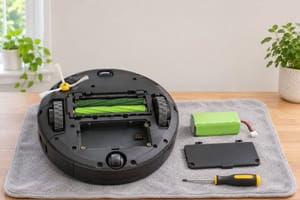 Roomba batteryWhich pack belongs in which series.
-
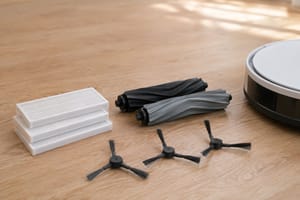 Roomba replacement partsKits, filters, brushes and bags by series.
-
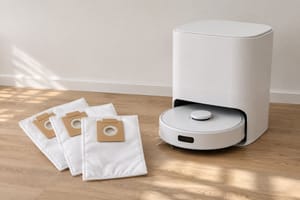 Roomba bagsClean Base bags and what fits.
-
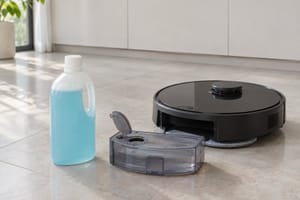 Roomba cleaning solutionWhat goes in a mopping robot's tank.
-
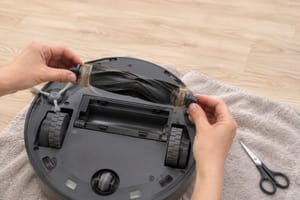 Roomba brush not spinningFix it first, replace it second.
-
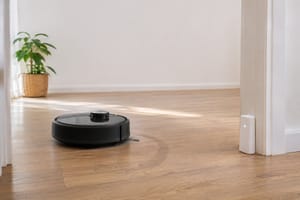 Roomba virtual wallKeep-out accessories and how they work.
Roborock
-
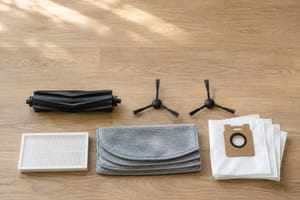 Roborock replacement partsBrushes, filters, mop pads and more.
-
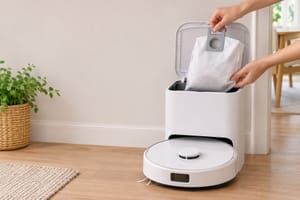 Roborock dust bagsBags for the emptying dock.
-
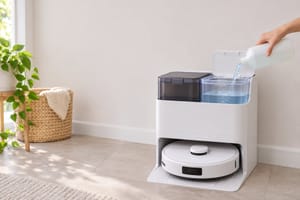 Roborock cleaning solutionWhat the maker says goes in the tank.
Shark and eufy
-
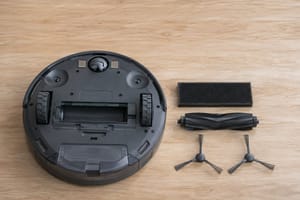 Shark replacement partsBrushes, filters and bags by model.
-
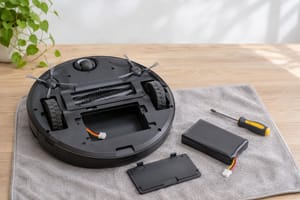 eufy RoboVac batteryWhich battery fits which RoboVac.
Parts by Type
| Part | Brands covered | Guide |
|---|---|---|
| Battery | Roomba, eufy | Roomba battery and eufy RoboVac battery |
| Dock bags | Roomba, Roborock | Roomba bags and Roborock dust bags |
| Brushes and filters | Roomba, Roborock, Shark | Roomba, Roborock and Shark parts guides |
| Cleaning solution | Roomba, Roborock | Roomba and Roborock solution guides |
| Ramps and keep-out accessories | Any brand, Roomba virtual walls | Robot vacuum ramp and Roomba virtual wall |
How Often Each Part Wears Out
There is no single schedule that suits every home. A house with pets and long hair wears brushes and fills bags much faster than a small flat with hard floors. Makers publish their own intervals for each model, and we do not repeat a number here unless we can point to the maker's page for it.
The general order is easy to remember. Bags and bins fill first, then filters clog, then brushes and mop pads wear, and the battery is the slow one that fades over years. For how long a whole robot tends to last, and which part usually decides it, read how long robot vacuums last.
Signs a part is due
You do not need a calendar to spot most of them. Weaker suction or a dusty exhaust points to a full bag or a clogged filter. Hair wound tight around a roller, or bristles worn flat, means the brush is done. A robot that returns to the dock earlier than it used to, or stops mid-room, is usually the battery. A brush that has stopped turning is worth a quick check before you buy anything, which is why we wrote Roomba brush not spinning.
Genuine vs Third-Party Parts
This is where most people ask whether they are saving money or buying trouble. We keep our own rule simple: we point to parts from the robot's maker, or from a known brand that names the models its part fits. We do not link to unnamed parts sold under a string of random letters, because there is no one to answer for them if the part does not fit or fails early.
Why fit matters more than price
A bag that is slightly the wrong shape can leak dust into the dock. A battery that does not match the robot's pack can fail to charge, or charge badly. In both cases the cheap part costs you the part and then the right part as well. Check the model names in the listing against your robot before you buy, and use the guide for your brand to see which series each part belongs to.
When the maker's part is the safer choice
For batteries and anything that touches the dock, we lean toward the maker's own part or a named brand with a clear compatibility list. For simple consumables like brushes and filters, a named third-party option can be a fair choice, as long as the listing says which models it fits. If a listing will not tell you that, skip it.
Fix It First
Not every problem is a worn part. A robot that will not charge may have dirty contacts or a dock with no power, and a brush that will not spin may be jammed with hair. Both are free to check, and you may not need to buy anything. Our robot vacuum troubleshooting page sorts problems by symptom and sends you to the right fix. Come back here when the check shows a part really has reached the end of its life.
If a robot has spread past parts into repeated faults, it can also be the moment to look at a replacement. Weigh what the repair would cost against what a newer robot gives you before you decide.
The RobotVacuumer letter
New robot vacuum picks and plain advice on choosing and living with one, about once a month.