Troubleshooting
Roomba Red Light: Meanings and Fixes
A red light on a Roomba can mean an error, a battery too low to start, a full bin or a failed Wi-Fi setup. Here is each pattern iRobot documents, which series it applies to, and what iRobot says to do about it.
As an Amazon Associate we earn from qualifying purchases, at no cost to you. How we make money.
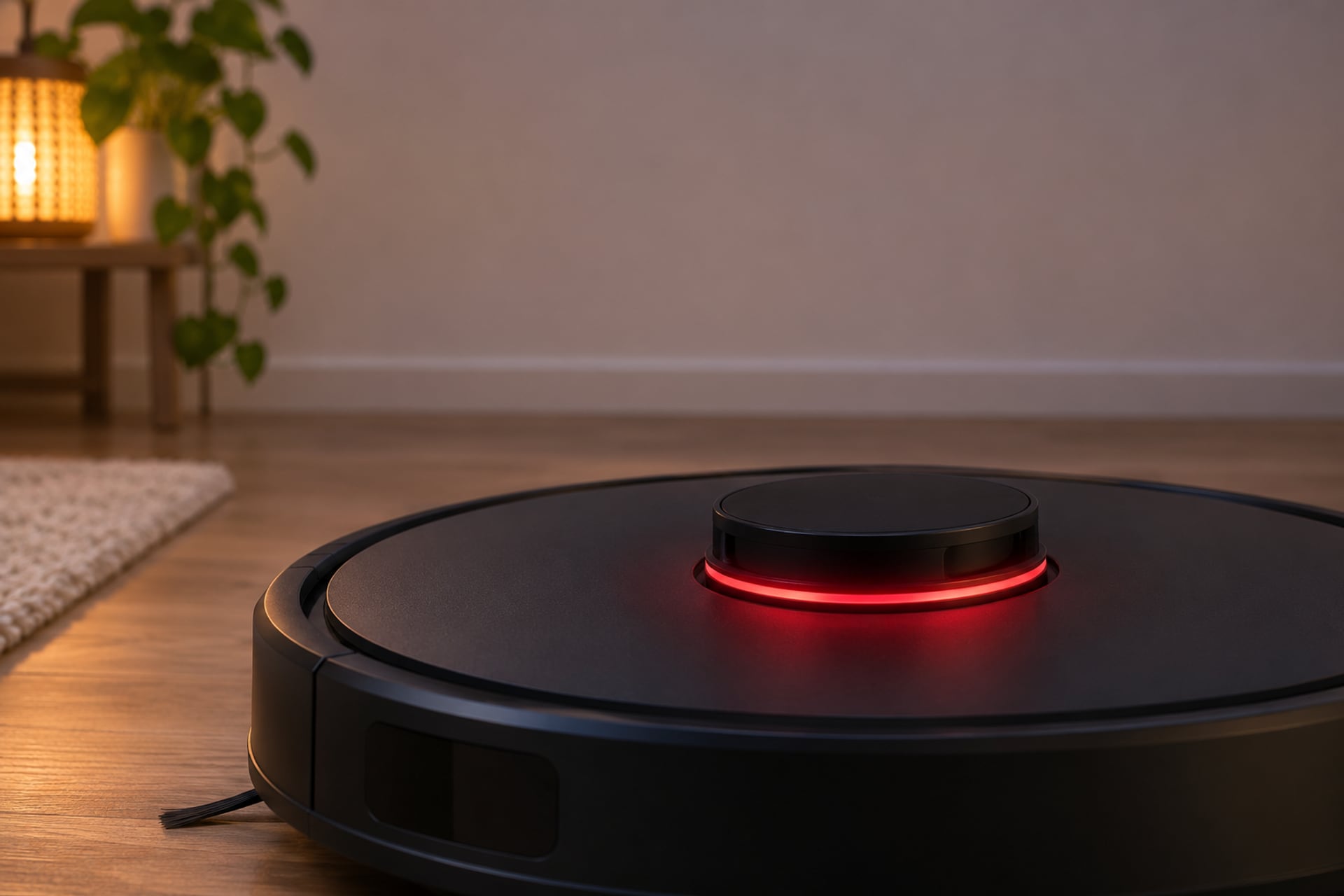
A red light on a Roomba is the robot asking for attention, but red covers very different situations: an error, a battery too low to start, a full bin, a charging fault, a failed Wi-Fi setup. iRobot's own light ring article sums the color up in one line: red means there is a problem, and you can check the app or press CLEAN so the robot repeats the error message. What separates one problem from another is the pattern, and where on the robot the light sits.
So the first step is to know your series. If you are not sure which Roomba you own, our guide to Roomba models sorts them by name and look. Everything below comes from iRobot support articles, listed at the end. Where iRobot does not publish a pattern, we leave it out instead of guessing, and we did not find an iRobot red light chart for the 105 line, so it is not covered here. For a wider checklist that applies to any robot vacuum, see our robot vacuum troubleshooting guide.
Red Light Patterns at a Glance
This table lists every red pattern we found in iRobot's articles, with the series it applies to, the meaning iRobot gives and the fix iRobot gives. Each row points to the section that explains it.
Where the Light Sits on Each Series
iRobot says the light ring appears around the CLEAN button on the i series, j series and Combo 10 Max, and around the lid on the s9. The 500 and 600 series have no ring: they show battery status through the CLEAN indicator instead.
| Series | Red pattern | What iRobot says it means | What iRobot says to do |
|---|---|---|---|
| i, j, s and Combo 10 Max (light ring) | Solid red | There is an error | Tap CLEAN so the robot repeats the error, or open the app. See Red Ring Errors and how to reset a Roomba |
| i, j, s and Combo 10 Max (light ring) | Pulsing red | Charging, but too low to start | Leave the robot on the base. If it is not fully charged after 3 hours, follow iRobot's not charging steps |
| i, j, s and Combo 10 Max (light ring) | Red sweep toward the rear | The dust bin is full | Empty the bin and clean the full bin sensors and their ports. See Bin Full |
| i and s (light ring) | Solid red during Wi-Fi setup | The robot had an error connecting to the router | Select Retry in the app. If it keeps happening, reboot the robot and force close the app |
| 500 and 600 (CLEAN indicator) | Red | Battery nearly drained | Charge the robot on its Home Base. See Red Battery Light |
| 500 and 600 (CLEAN indicator) | Flashing red | Battery drained | Charge the robot. If it never holds a charge, see Roomba battery replacement |
| 500 and 600 (CLEAN indicator) | Red/amber pulsing while charging | Normal charging. A quick pulse means the robot started a refresh charge on a discharged battery | Do not interrupt a refresh charge once it starts |
| Combo 10 Max dock | Solid red dock LED while cleaning | Bag full, missing or improperly installed, or a tank full, missing or improperly installed | Check the bag and the tanks. See Red Light on the Dock |
| AutoEmpty dock | Red dock light | The dock has power, in iRobot's power check | Nothing to fix |
Red pattern
Show specifications
- i, j, s and Combo 10 Max (light ring)
- Solid red
- i, j, s and Combo 10 Max (light ring)
- Pulsing red
- i, j, s and Combo 10 Max (light ring)
- Red sweep toward the rear
- i and s (light ring)
- Solid red during Wi-Fi setup
- 500 and 600 (CLEAN indicator)
- Red
- 500 and 600 (CLEAN indicator)
- Flashing red
- 500 and 600 (CLEAN indicator)
- Red/amber pulsing while charging
- Combo 10 Max dock
- Solid red dock LED while cleaning
- AutoEmpty dock
- Red dock light
What iRobot says it means
Show specifications
- i, j, s and Combo 10 Max (light ring)
- There is an error
- i, j, s and Combo 10 Max (light ring)
- Charging, but too low to start
- i, j, s and Combo 10 Max (light ring)
- The dust bin is full
- i and s (light ring)
- The robot had an error connecting to the router
- 500 and 600 (CLEAN indicator)
- Battery nearly drained
- 500 and 600 (CLEAN indicator)
- Battery drained
- 500 and 600 (CLEAN indicator)
- Normal charging. A quick pulse means the robot started a refresh charge on a discharged battery
- Combo 10 Max dock
- Bag full, missing or improperly installed, or a tank full, missing or improperly installed
- AutoEmpty dock
- The dock has power, in iRobot's power check
What iRobot says to do
Show specifications
- i, j, s and Combo 10 Max (light ring)
- Tap CLEAN so the robot repeats the error, or open the app. See Red Ring Errors and how to reset a Roomba
- i, j, s and Combo 10 Max (light ring)
- Leave the robot on the base. If it is not fully charged after 3 hours, follow iRobot's not charging steps
- i, j, s and Combo 10 Max (light ring)
- Empty the bin and clean the full bin sensors and their ports. See Bin Full
- i and s (light ring)
- Select Retry in the app. If it keeps happening, reboot the robot and force close the app
- 500 and 600 (CLEAN indicator)
- Charge the robot on its Home Base. See Red Battery Light
- 500 and 600 (CLEAN indicator)
- Charge the robot. If it never holds a charge, see Roomba battery replacement
- 500 and 600 (CLEAN indicator)
- Do not interrupt a refresh charge once it starts
- Combo 10 Max dock
- Check the bag and the tanks. See Red Light on the Dock
- AutoEmpty dock
- Nothing to fix
Red Battery Light
A red light tied to the battery is the most common reason people search this. It means two different things depending on the series, and neither is the same as a charging error number. Those have their own list on our Roomba not charging page, which is where the error 1 to 21 and 101 to 121 codes live.
Pulsing Red Ring on the i, j, s Series and Combo 10 Max
iRobot's light ring article says a pulsing red ring means the robot is charging but the battery is too low to start cleaning. Its advice is to leave the robot on the base. If it is still not fully charged after 3 hours, iRobot sends you to its page on a Roomba that does not turn on or charge properly. That page walks through the dock power, the charging contacts and the battery, and we summarize it in our not charging guide.
Red CLEAN Indicator on the 500 and 600 Series
These robots have no light ring. iRobot's battery article for the 500 and 600 series lists the CLEAN indicator colors while the robot is cleaning: green is fully charged, amber is partially drained, red is nearly drained and flashing red is drained. Press CLEAN to see the battery status while the robot is on the dock. While charging, the same article says the CLEAN indicator should pulse red and amber on some robots, and other robots turn off all indicators after one minute of charging and keep charging. Both are normal.
The article also describes a refresh charge: if the robot senses a discharged battery, the CLEAN indicator pulses quickly in red and amber, and iRobot says not to interrupt the cycle. Refresh charge does not apply to a lithium-ion battery.
When the Red Light Is Really the Battery
iRobot says battery age, room temperature, floor type and how often you run the robot all reduce capacity over time. A robot that goes red again soon after a full charge may be at that point. Our Roomba battery replacement guide covers the choices. For error 11, iRobot says to remove the battery for at least 15 minutes and put it back, then reboot with the CLEAN button before contacting Customer Care.
Red Ring or Light Ring Errors
A solid red ring is the robot reporting an error. On the i series, iRobot says the ring appears solid red around the CLEAN button, followed by a spoken message. The i series error chart tells you to press CLEAN to hear it again, and says that if the robot is turned on, pressing the bumper repeats it too. On Wi-Fi models the error also shows in the iRobot HOME app.
Read the Message Before You Reset
The message usually names the fix. iRobot's i series chart lists several dozen error numbers, with a likely cause and what to check for each. A few of the most common ones:
- Error 2, "Clear the brushes, then press Clean": the multi-surface rubber brushes cannot spin.
- Errors 4 and 5, "Clear the wheels, then press Clean": a wheel is jammed.
- Errors 1, 3 and 13, "Uneven ground": a wheel is hanging down or the robot is stuck, so move it to a flat surface.
- Errors 6 and 12, "Drop off detected": a cliff sensor sees a constant drop, so check that the cliff sensors are clear of debris.
- Error 9, "Tap the bumper to unstick": the bumper is jammed with debris or dislodged.
- Error 14, "Reinstall the bin": the bin is not seated, or the filter is missing from the bin.
- Error 23, "Battery Authentication Failure": iRobot says to make sure the battery is authentic.
- Error 36, "Empty the bin": the bin full sensor was not cleared. See the next section.
These are only the common ones. Your own message may be a different number, and the full chart is in the iRobot article listed at the end.
Red Sweep Toward the Rear: The Bin Is Full
A red sweep toward the rear of the robot is not an error code. iRobot says it means the dust bin is full and needs to be emptied. If the robot keeps showing it after you empty the bin, iRobot's error 36 article says the bin full sensor was not cleared. Its fix is to remove the filter, rinse the bin and the bin door with water and let them air dry, then wipe the bin full sensors with a clean, dry microfiber or soft cotton cloth. If a Clean Base dock is involved, iRobot says to check the dock for a clog, because a robot that cannot empty properly keeps its bin full. Our guide to emptying a Roomba covers the routine.
Solid Red During Wi-Fi Setup
iRobot says a solid red ring on the i series, or around the bin lid on the s series, can also mean the robot had trouble connecting to Wi-Fi, and the app shows a message. Select Retry and follow the in-app steps. If it still fails, iRobot says to reboot the robot, force close the iRobot HOME app and try again.
Red Light on the Clean Base or Dock
Not every red light on the dock is a fault. Two cases are normal, and one is a real check.
Red on an AutoEmpty Dock Means Power
In iRobot's not turning on or charging article, the light on an AutoEmpty dock should turn red when the base has power, which you check by lifting the lid and pulling up the bag tag. A red light there is the good result, not a problem.
A Dark Home Base Light Is Also Normal
iRobot says the light on the Home Base goes on for about four seconds and then turns off while the robot keeps charging. If you are watching for a light that has gone out, this is why.
Combo 10 Max Dock LED While Cleaning
The light ring article describes the Combo 10 Max dock separately. While the robot is cleaning, a solid red dock LED means one of three things: the bag is full, missing or improperly installed; the dirty tank is full, missing or improperly installed; or the clean tank is empty, missing or improperly installed. The charging LED on that dock is a different light: iRobot says it stays on while the robot charges, and the dock goes to sleep after 60 seconds, which turns it off.
When the Red Light Won't Clear
If the pattern matches a row above and the fix did not change anything, work down this list. Each step comes from iRobot support.
Steps When the Red Light Stays On
-
Get the exact message
Press CLEAN so the robot repeats the error, or open the iRobot HOME app. A solid red ring with no message looked up is a guess.
-
Check the bin, brushes and wheels
Seat the bin with its filter, clear the brushes and wheels, and clean the cliff sensors. These are the fixes iRobot lists for the most common errors on the i series chart.
-
Reboot the robot
iRobot's charging error 11 article says to press and hold the CLEAN button (the single button on a j series) for 20 seconds. After you release it, the light ring shows a white clockwise swirl, and the reboot is complete when the ring shuts off. While it reboots, confirm the robot has the latest software. Our reset guide covers the other series.
-
Reset a new 100, 200 or Max 700 series robot
For a Roomba 100/1000, 200/2000 or Max 700 series that shuts down right after leaving the dock or will not respond, iRobot says to take it off the dock on a flat surface, hold POWER for at least 30 seconds, tap POWER once to confirm no lights come on, then return it to the dock within 4 minutes.
-
Check the dock and the contacts
If the red light is a charging problem, work through the dock power and the charging contacts on our Roomba not charging page.
-
Contact iRobot Customer Care
iRobot says to have the robot charged and with you, its serial number, and for a warranty claim the proof of purchase from an authorized retailer.
Parts to Have on Hand
Most red lights are cleared without buying anything. These are the two parts we link from our replacement parts page, for the cases where a battery or worn consumables are the cause. Match them to your series before you order.
-
1Battery for the Roomba 500, 600, 700 and 800 series (third party)
Tenergy 14.4V 3850mAh NiMH Battery for Roomba 800 700 600 500 Series
For a 500 or 600 series robot that shows a flashing red CLEAN indicator and never holds a charge. It is made by Tenergy, not iRobot, and the listing states 14.4 volts, 3850mAh and up to 1000 recharge cycles. It is a NiMH battery, so it is not listed for the e, i, j or s series. Compatibility is the seller's statement, not iRobot's.
-
2Replenishment kit for the Roomba e, i and j series
iRobot Roomba e, i and j Series Replenishment Kit
An iRobot branded kit for the e, i and j series and the Combo i5 and j5. The title says it is not compatible with the Combo j7+ or Combo j9+. We did not read the contents list, so check the listing for what is in the box. It helps with the bin and brush errors in the table above, not with a battery fault.


Compatibility is the seller's and iRobot's statement in the listing, read on November 19, 2026. Both are budget tier ($). Prices change, so we do not print them here.
Frequently Asked Questions
Sources
- iRobot Customer Care, What do the Lights on the Light Ring Mean?, homesupport.irobot.com, read on November 19, 2026 Source for the light ring colors and positions, the solid red, pulsing red and red sweep meanings, the 4 second Home Base light, and the Combo 10 Max dock LED indicators.
- iRobot Customer Care, The Roomba i Series Error Messages Chart, homesupport.irobot.com, read on November 19, 2026 Source for the solid red ring with a spoken message, the repeat by pressing CLEAN or the bumper, and the error numbers and fixes listed above.
- iRobot Customer Care, Overview of the Roomba 500 and 600 series battery and charging, homesupport.irobot.com, read on November 19, 2026 Source for the CLEAN indicator battery colors, the red and amber pulse while charging, refresh charge, and the factors that reduce battery capacity.
- iRobot Customer Care, Roomba s Series says: Empty the bin Error 36, homesupport.irobot.com, read on November 19, 2026 Source for the red sweep toward the rear with a bin that stays full, and the steps to clean the bin full sensors and check the dock.
- iRobot Customer Care, What do I do if Roomba Wi-Fi Indicator is Blinking or is Solid Red?, homesupport.irobot.com, read on November 19, 2026 Source for the solid red ring during Wi-Fi setup on the i and s series and the retry and reboot steps.
- iRobot Customer Care, Charging Error 11: All Roomba and Braava Models, homesupport.irobot.com, read on November 19, 2026 Source for the 15 minute battery removal, the 20 second CLEAN button reboot with its white swirl, and the details to have ready for Customer Care.
- iRobot Customer Care, Why does my Roomba or Braava not turn on or charge properly?, homesupport.irobot.com, read on November 19, 2026 Source for the red AutoEmpty dock light that shows power, and the 30 second POWER reset for the 100/1000, 200/2000 and Max 700 series.
- iRobot Customer Care, Overview of the Roomba i Series battery and charging, homesupport.irobot.com, read on November 19, 2026 Source for the pulsing red meaning on the i series: charging, but too low to start cleaning.
The RobotVacuumer letter
New robot vacuum picks and plain advice on choosing and living with one, about once a month.